Pimarchy
Overview
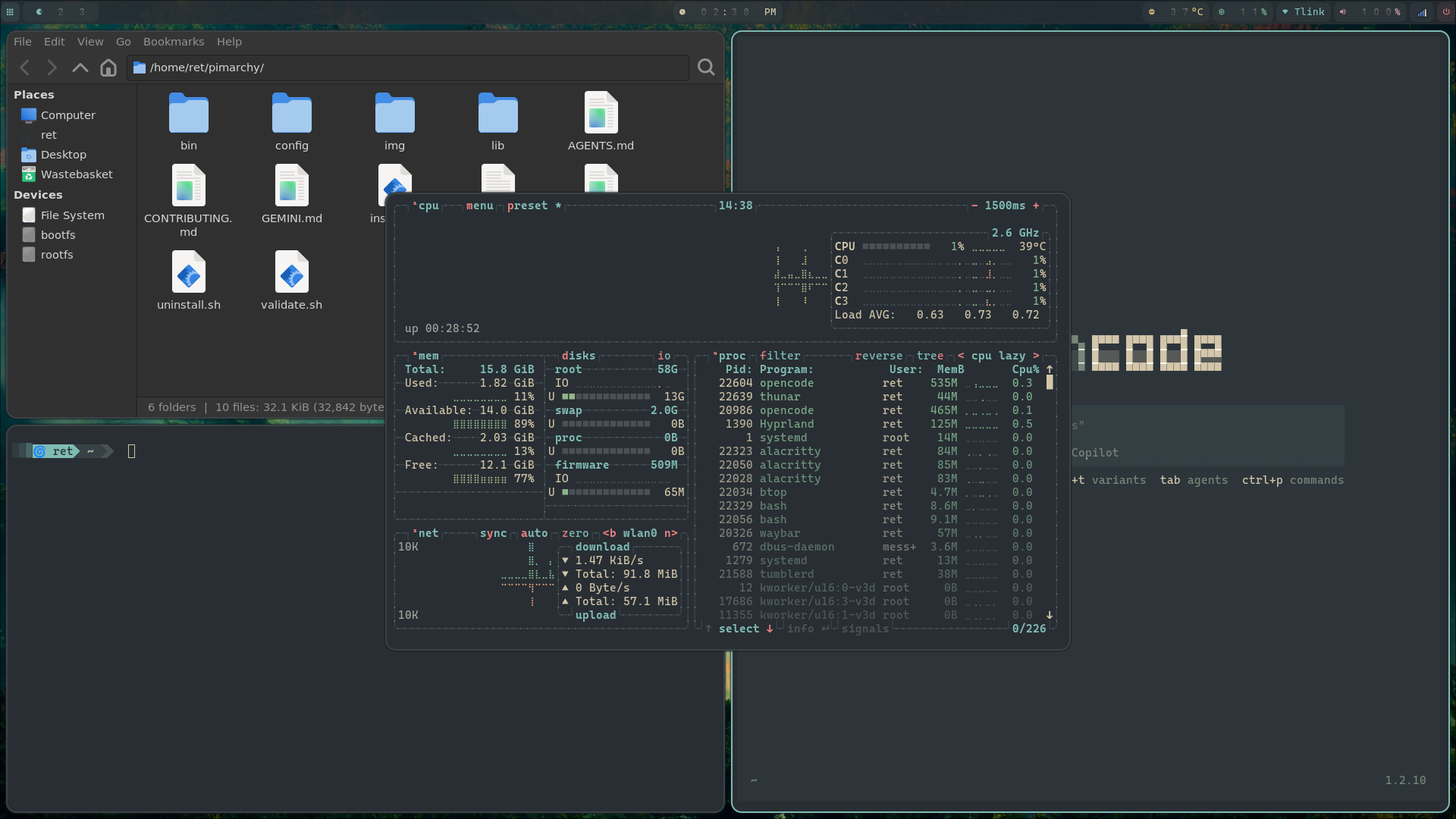
Pimarchy is an automated desktop transformation tool designed for the Raspberry Pi 5 and Pi 500. It converts a barebones Pi OS Lite (Debian Trixie) installation into a modern, aesthetic, and functional Wayland-based desktop environment.
Inspired by Omarchy by Basecamp, it focuses on extreme efficiency, beautiful aesthetics, and a keyboard-driven workflow.
Core Components
| Layer | Component | Description |
|---|---|---|
| Compositor | Hyprland | Dynamic tiling Wayland compositor with smooth animations. |
| Status bar | Waybar | Highly customizable CSS-themed status bar. |
| App launcher | Rofi | Wayland-native launcher with custom Ravenwood theme. |
| Notifications | Mako | Lightweight notification daemon. |
| Terminal | Alacritty | GPU-accelerated terminal emulator. |
| Login manager | Greetd + Tuigreet | Sleek console-based login manager. |
| Containers | Docker CE | Full containerization support with Docker Compose v2. |
| AI Agent | OpenCode | Integrated AI coding agent for local development. |
Why Pimarchy?
- Performance First: Built specifically for the Raspberry Pi 5 hardware.
- Aesthetic & Modern: Driven by the Ravenwood color palette (Everforest-inspired).
- Automated: One script to provision everything from a clean install.
- Safe & Reversible: Comprehensive backup and uninstallation system.
- Template-Driven: Change one file (
theme.conf) to re-theme the entire system.
Quick Installation
# 1. Update your Pi OS Lite
sudo apt update && sudo apt full-upgrade -y && sudo reboot

# 2. Install Pimarchy
curl -sL https://raw.githubusercontent.com/raythurman2386/pimarchy/main/netinstall.sh | bash
Ready to go!
After installation, reboot and log in via Tuigreet to start your new Hyprland session.